You may recognize yourself
Demanding work, but you still want to feel lean and strong
You sit, think, and work through changing schedules. You want more muscle and definition without chasing exaggerated size or following a complicated plan.
 SuperStrive
 SuperStrive brings together sleep, recovery, training, and daily rhythm to find the most useful thing to do next.
Designed for people who do demanding cognitive work, sit for long hours, and want a lean, capable body that lasts.
Built for iPhone and Apple Watch · Beta requests are open
Choose three essential signals. If useful, refine the decision with recent load and today's priority. Everything stays in this browser.
Runs in this browserNo sign-in · No health data access · Nothing is uploadedTake an easy 30-minute walk and finish with five minutes of mobility.
One or more recovery signals are limited. Low-intensity movement supports the routine while leaving room to recover.
Your usual bedtime and a quieter final hour.
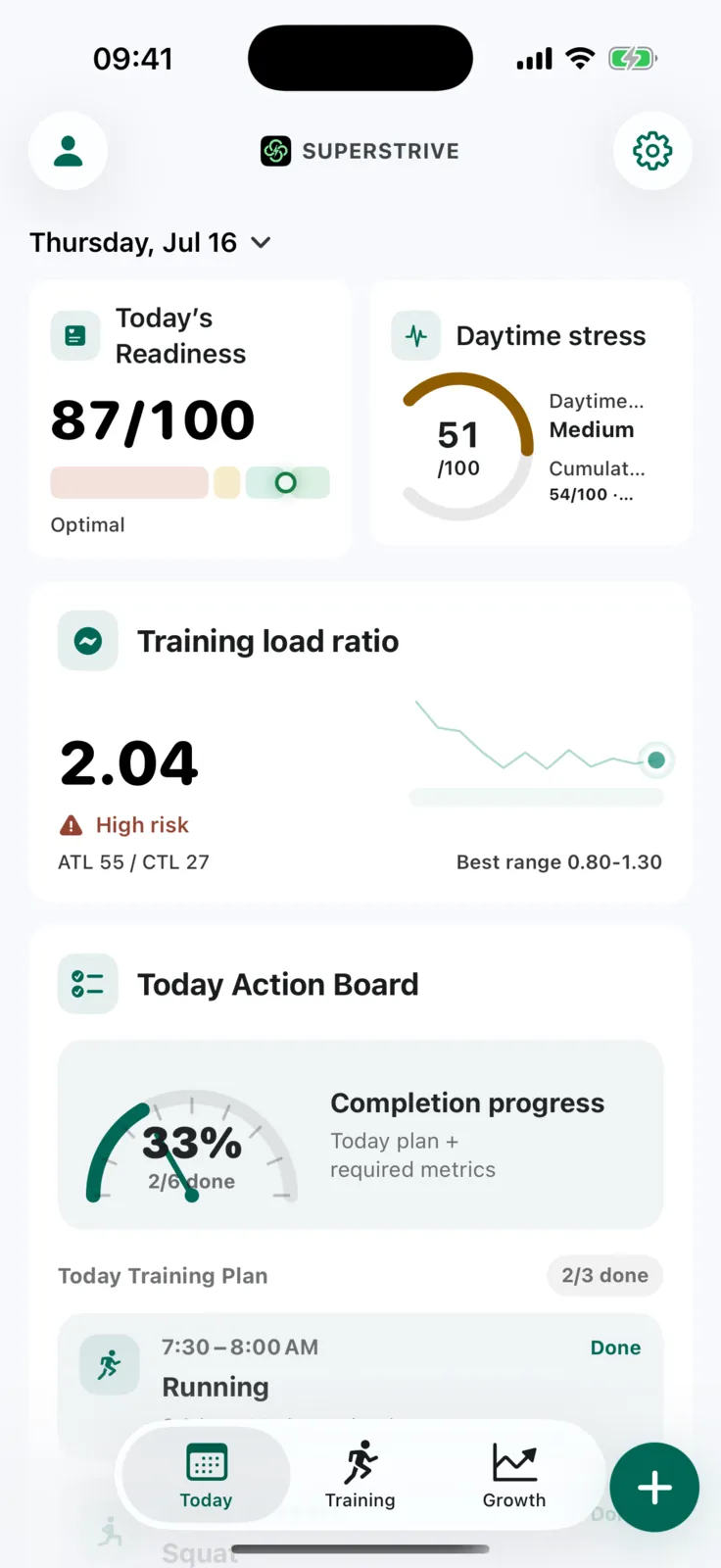
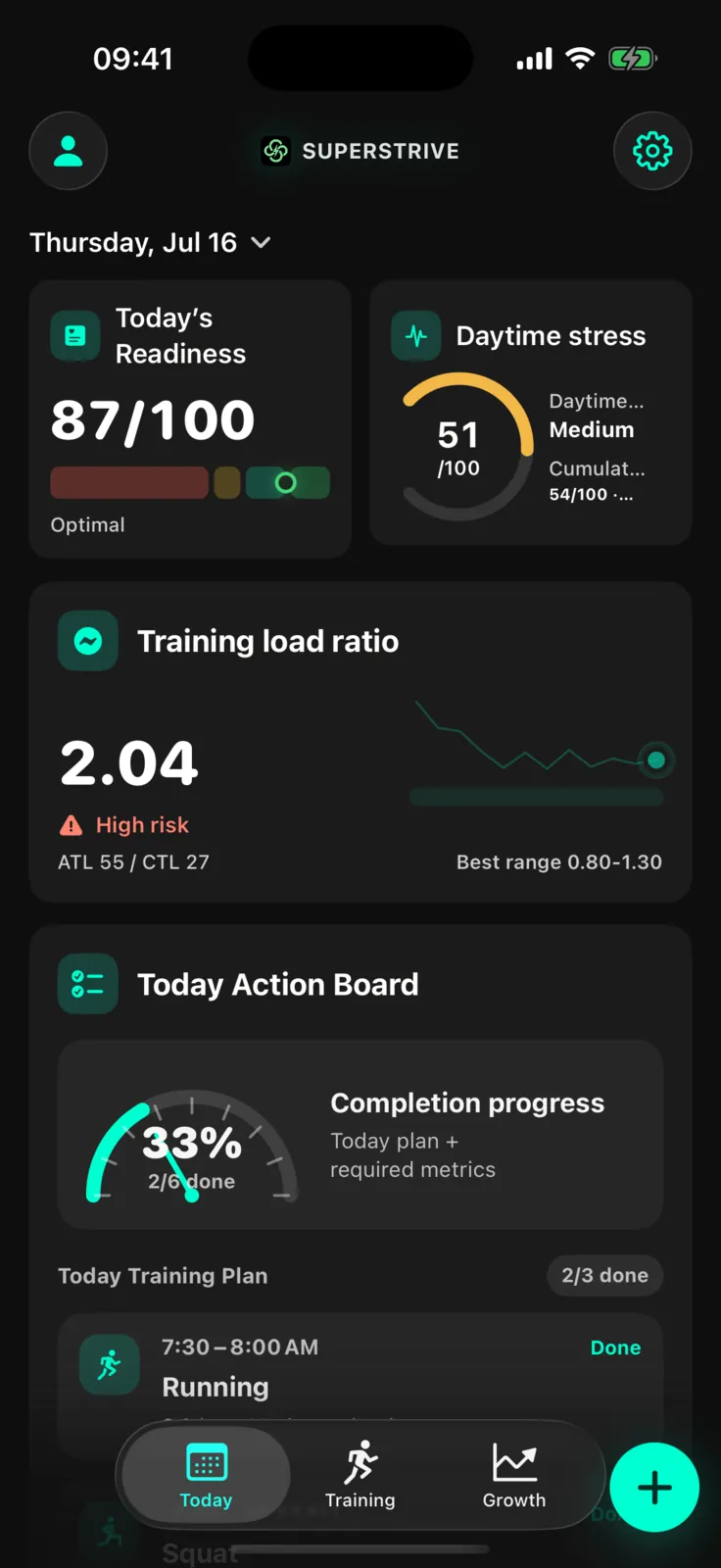
From today’s activity to your next workout and longer-term progress. Select a step to explore the real app.
Use the sleep, recovery, and recent training data you choose to share to find a useful next step: train, ease off, or recover.
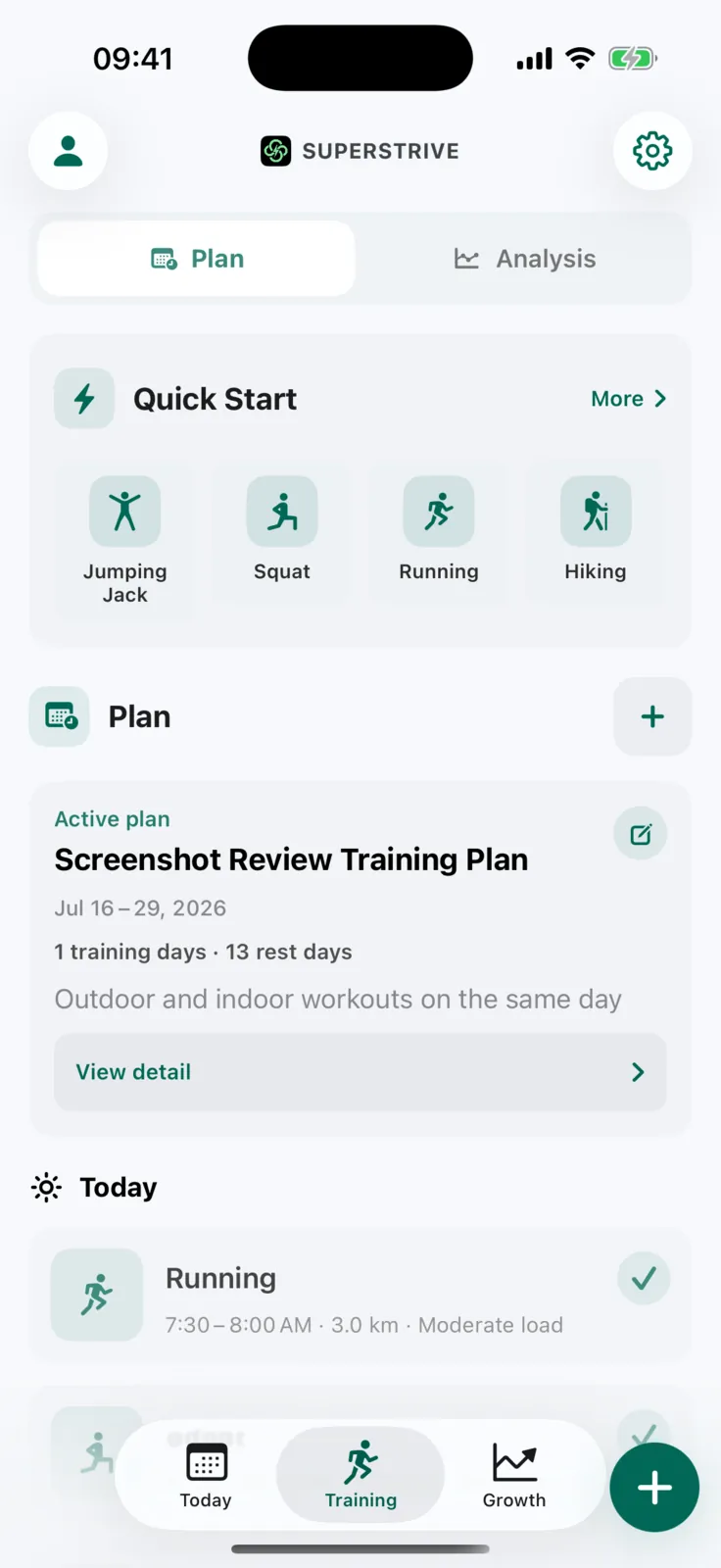
The selectable camera workouts are currently squats and jumping jacks. You can also track running, cycling, and hiking outdoors.
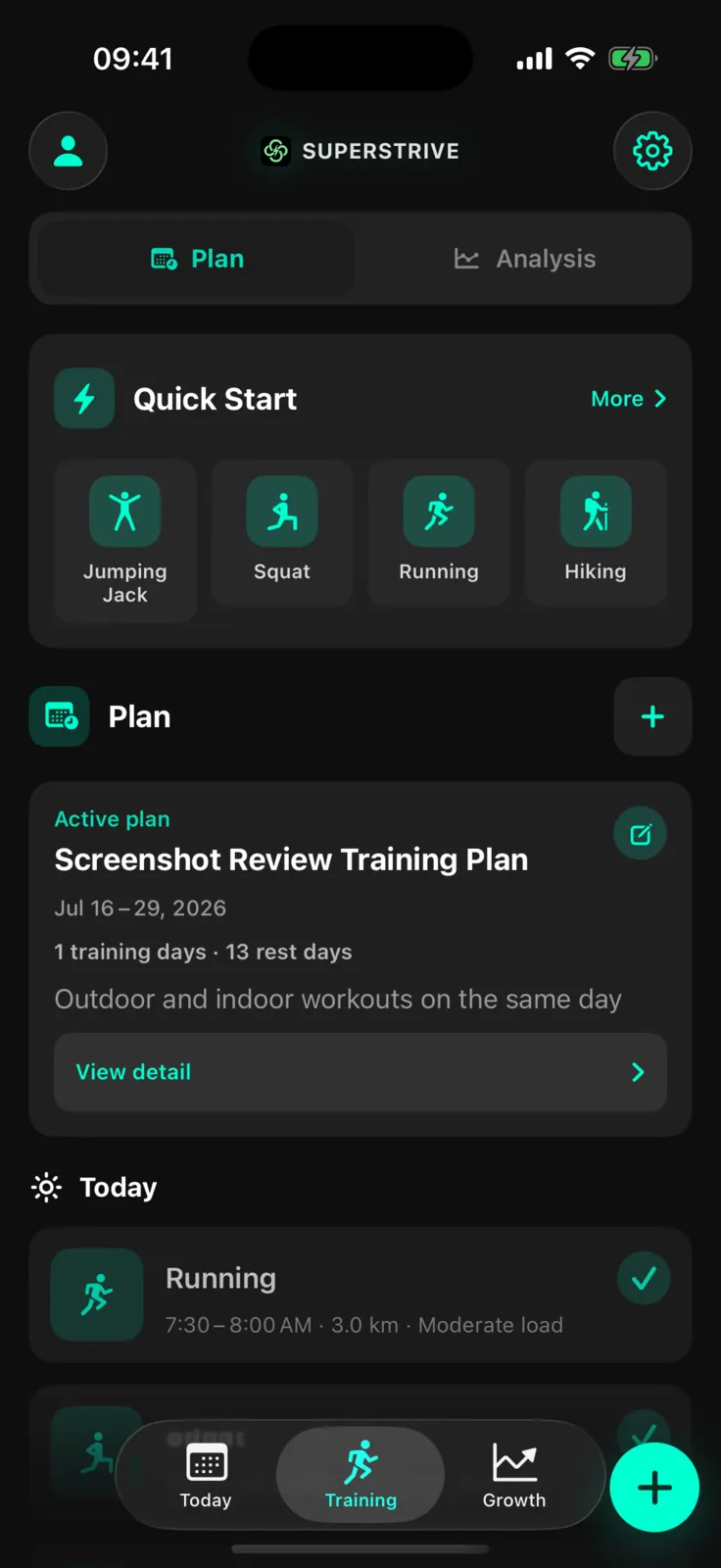
Set goals and follow changes in your workouts and daily metrics. Pro growth reviews are available when you want a closer look.
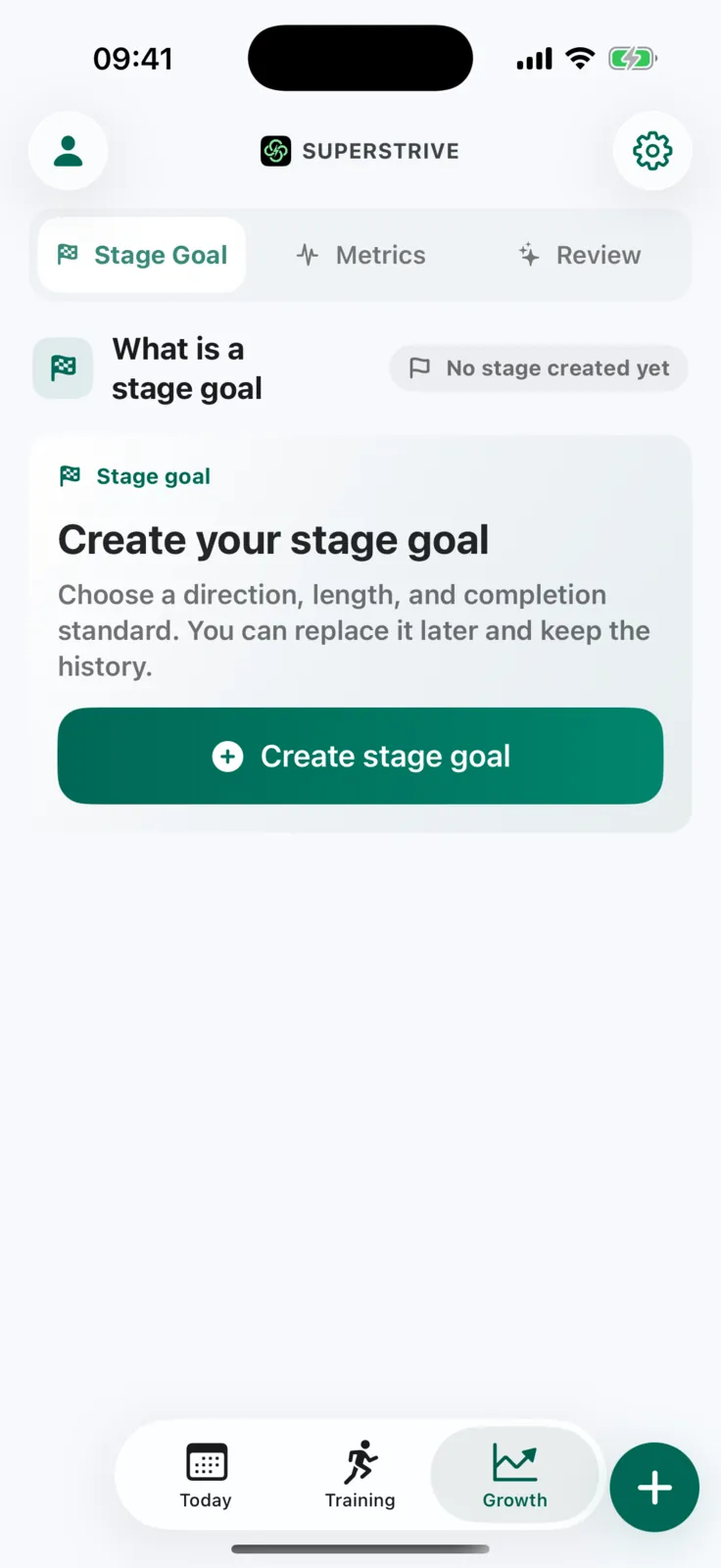
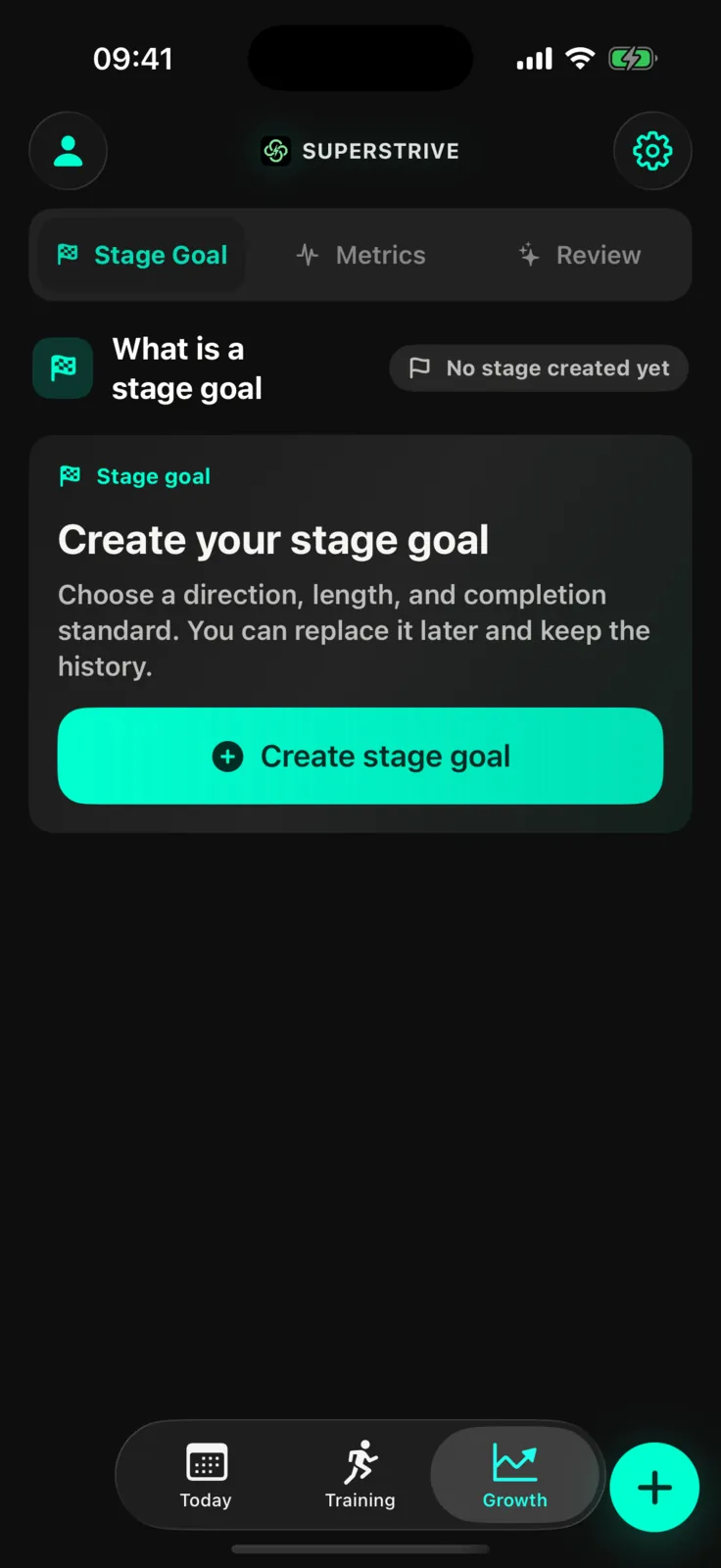
iPhone training · Apple Watch capture · Widgets and Live Activities
Sleep and recovery · Daily decision · Method plans · Body asset report
Plan and train on iPhone, capture sessions on Apple Watch, and keep progress visible with widgets and Live Activities. Future sleep, recovery, and method modules use the same action layer.
Use real movement to create a boundary when attention is easiest to lose. It supports sleep, training, and long-term health instead of replacing them.
Talk or type about training, sleep, and recovery. With permission, AI Coach can use recent workout and health summaries to answer questions, create a training-plan draft, and refine it with you.
AI Coach and training plans are Pro features. You choose what to share and which suggestions to use.
Some people start with sustained energy and long-term performance. Others want less excess fat, more muscle, and clearer definition without turning life into a bodybuilding program. Whether or not you already track health data, we turn the signals you have into a doable next step for today.
You sit, think, and work through changing schedules. You want more muscle and definition without chasing exaggerated size or following a complicated plan.
You know last night's sleep and today's schedule, but still cannot decide whether to train, reduce load, walk, or recover.
It does not add another score. It explains why, then connects the recommendation to something you can actually do today.
Move from body signals to execution across the Apple ecosystem, then let real outcomes shape the next step—even after an interruption.
AI can amplify cognition and output, but it cannot sleep, circulate blood, carry a load, metabolize, or recover for you. Your carbon-based body still underwrites your work, creativity, and freedom. SuperStrive helps you understand it, train it, and compound its capacity over time.
Sleep supports repair and normal daytime function and is linked to heart health. It is not lost time; it is capital for tomorrow's cognition, training, and recovery.
Use sleep and subjective context to adjust today's training dose and evening action.
Your heart, lungs, and circulation move oxygen and energy through the body. Better endurance makes work, walking, stairs, sport, and daily life more manageable.
Connect outdoor activity, workout history, and long-horizon cardiovascular goals.
Muscle is more than appearance. Strength work can help maintain muscle, mobility, and independence; built capacity creates margin for aging, load, and interruption.
Build capacity through strength sessions, visual feedback for supported movements, and progressive load.
Connect authorized sleep, training, recovery, and subjective context so AI can find trends, explain tradeoffs, and adjust the next step—not make you obey a score.
Extend the AI coach from training analysis into sleep, recovery, and subjective context.
Health metrics are noisy proxy signals, not clinical truth. SuperStrive supports everyday wellness and fitness; it does not diagnose or treat.
Break public ideas into sleep, capacity, nutrition, focus, and longevity. SuperStrive connects evidence and personal context to an action for today.
Share your email and the problem you most want to solve. The page confirms submission immediately; invitations are sent in batches, and there is no automatic confirmation email yet.
Choose a useful next step across training, lighter activity, and recovery.
Turn guidance into a real record with iPhone, Apple Watch, and training tools.
Use progress and reflection without being trapped by an all-or-nothing streak.
This page confirms that your request is saved. We do not send an automatic confirmation email yet; invitations are emailed in batches when places are available.